
PLANNER
Home | Manuals | BCM Stream Easy | Planner
Easy - Menu settings - Planner
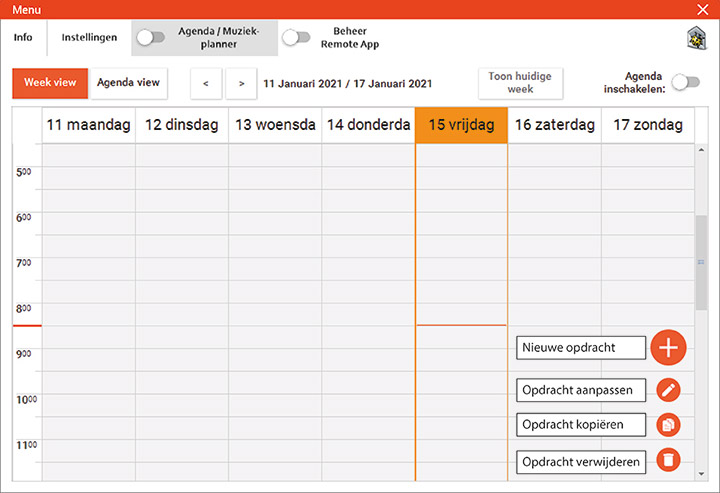
Using the planner, playlists can be automatically loaded at a preset time (or date).
By clicking on the "+", a new command can be created and the following window appears:
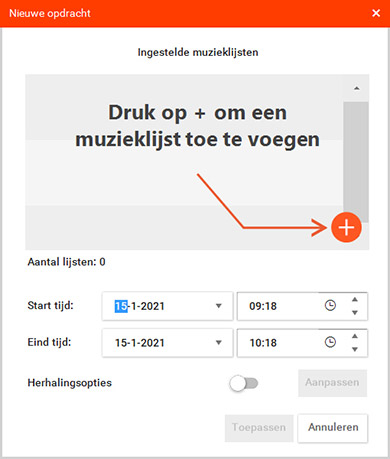
By clicking the “+” button here again, you can add one or more playlists and set the start and end times.
You can also choose to have a task repeated (repeat options).
In the following screen, the lists can be selected:
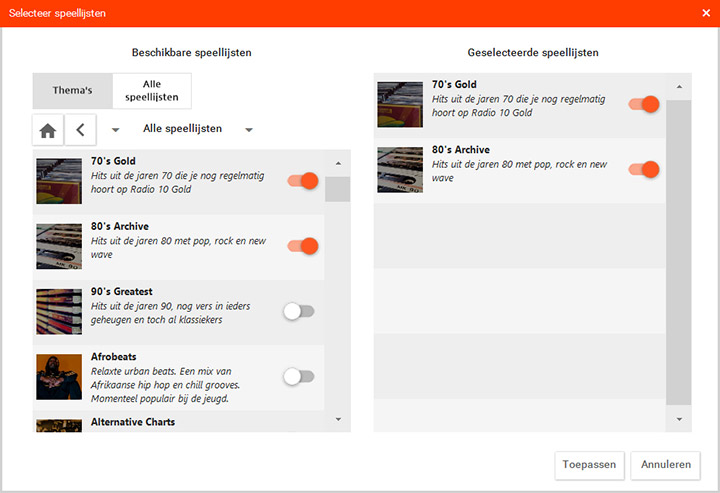
With the slide switch, lists can be switched on or off.
After "Apply", the following overview appears:
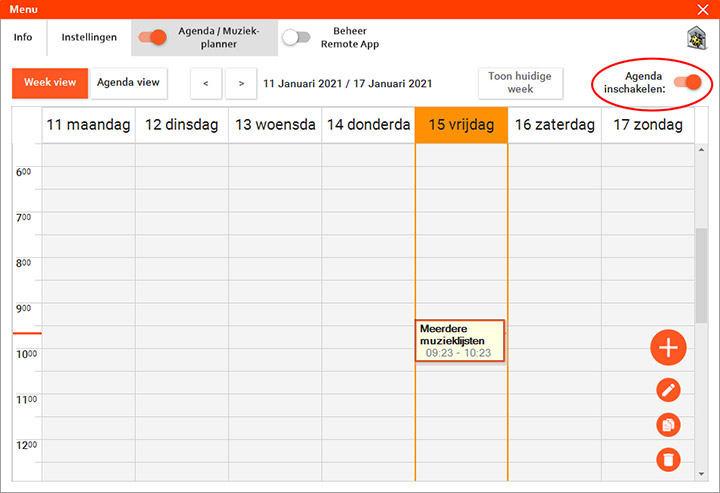
The selected music will only be played when the scheduler (top right) is switched on.
With the scheduler enabled, music is only played at the set time!
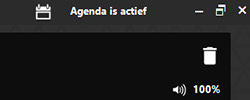
A message appears on the main screen when Calendar is active.
If repeat options are on:
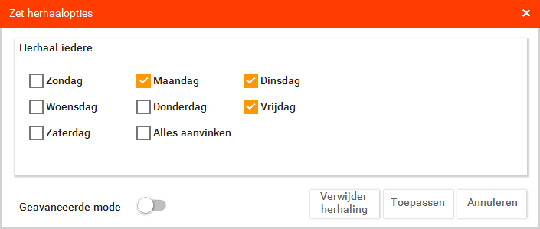
Here, one task per day can be repeated.
Advanced mode:
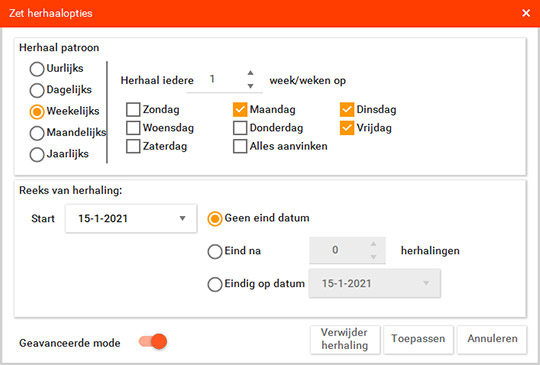
Here, you can set even more specific repeat options.
Do you have a question?
Start your search here:

